LoRa Mastery 0.4 – First Wireless Message Without Internet
Learn how to send your first wireless message using LoRa without internet, WiFi, or SIM cards. A complete beginner guide using RYLR999 LoRa modules.
In the previous parts of this series, we learned what LoRa is, how to wire the RYLR999 module, and how to configure LoRa parameters correctly.
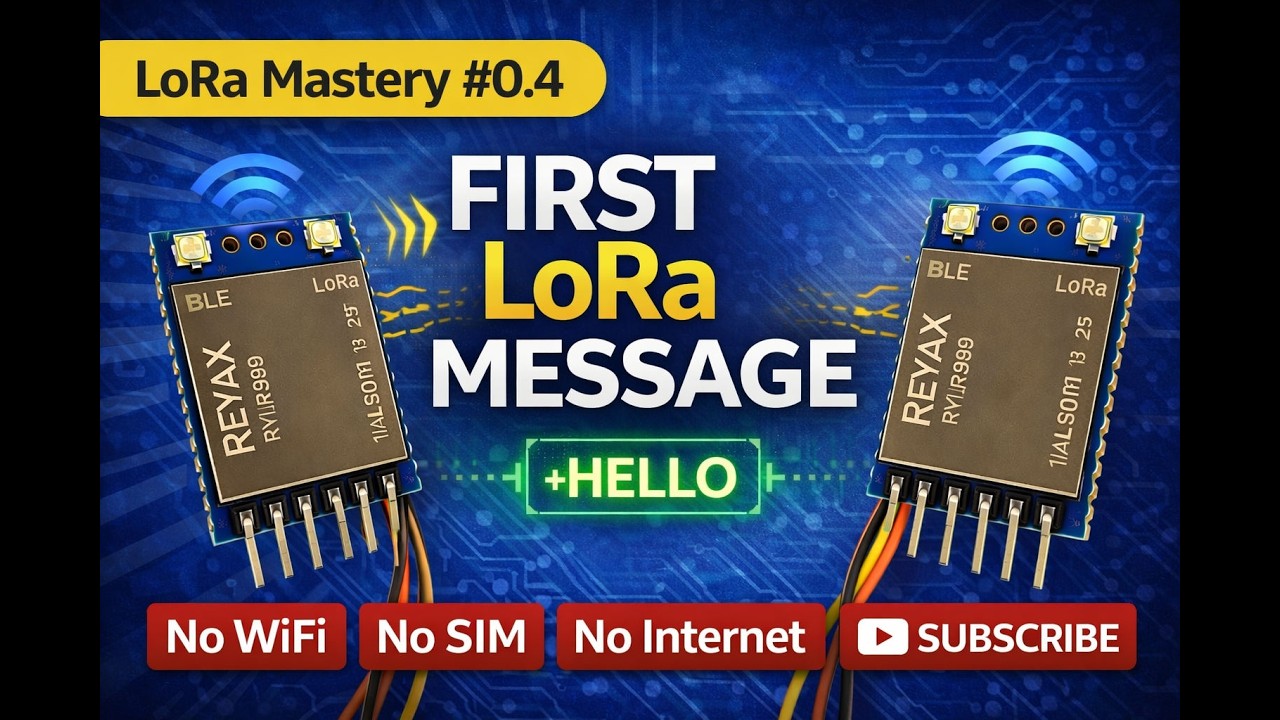
In this article, you will send your first real wireless message using LoRa. No internet, no WiFi, and no SIM card is required.
If you are new to this series:
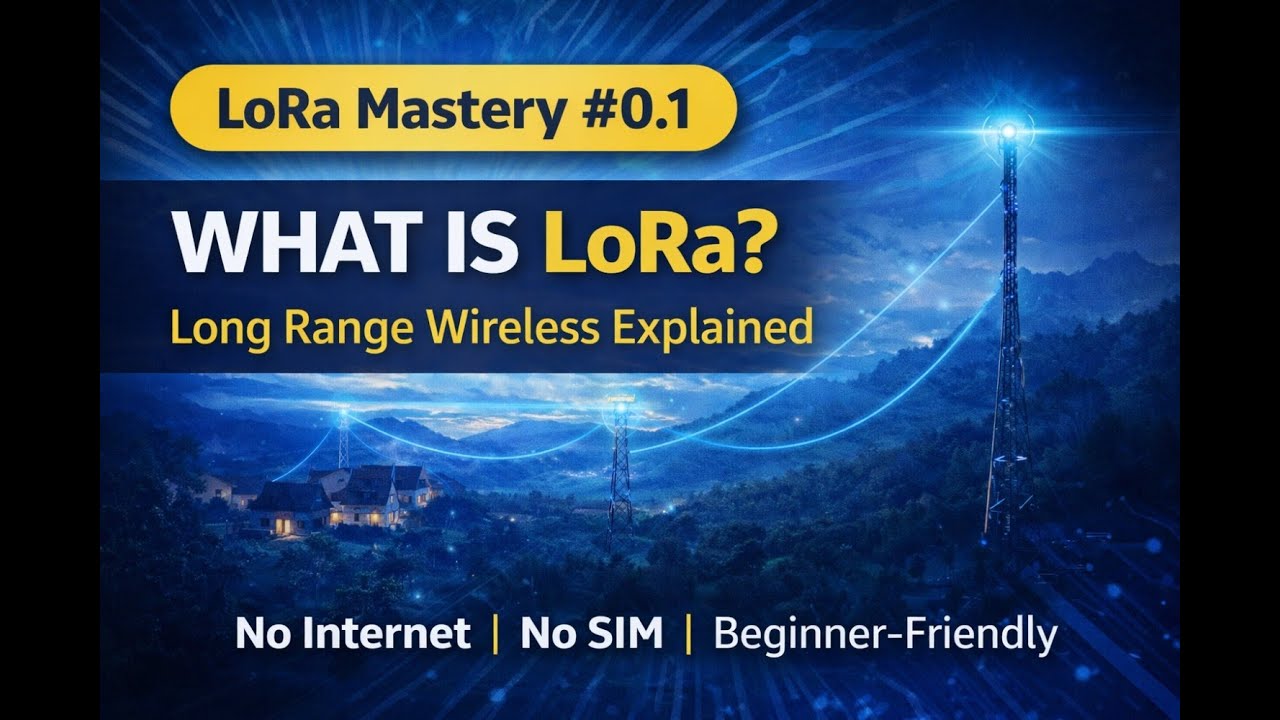
What Is LoRa? Beginner Guide (Part 0.1)
RYLR999 Wiring and First AT Command (Part 0.2)
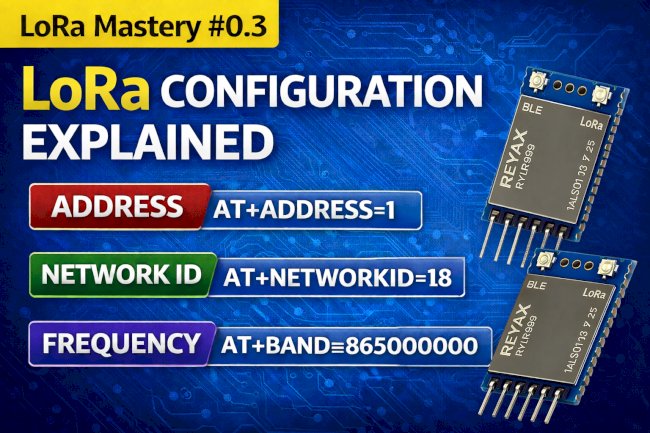
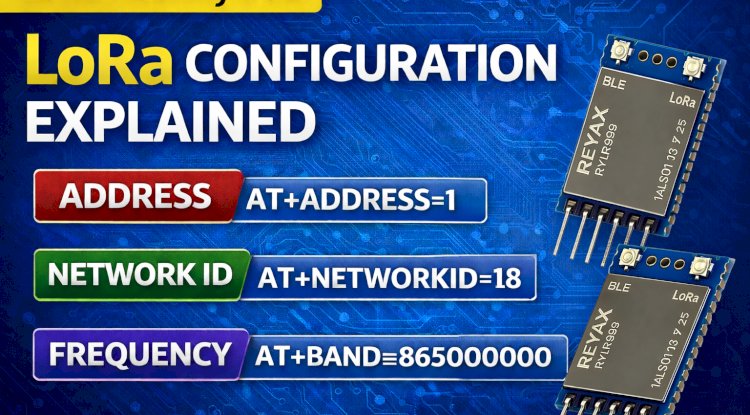
LoRa Configuration Explained (Part 0.3)
What You Will Build in This Part
You will create a simple point-to-point LoRa communication setup where one RYLR999 module sends a message and another module receives it wirelessly.
- Two RYLR999 LoRa modules
- Direct wireless communication
- No internet or gateway involved
Prerequisites
Before proceeding, ensure that:
- Both LoRa modules are wired correctly
- Frequency, Network ID, and parameters are the same on both modules
- Each module has a unique address
- Antennas are connected properly
LoRa Address Example
Example configuration:
Module A Address: 1
Module B Address: 2
Sending the First LoRa Message
To send a message from Module A to Module B, use the following AT command:
AT+SEND=2,5,HELLO
Command explanation:
- 2 = Destination address (receiver)
- 5 = Length of the message
- HELLO = Data being sent
Receiving the Message
On Module B, you should see a response similar to:
+RCV=1,5,HELLO,-45,10
This confirms that the wireless LoRa communication is working successfully.
Understanding the Received Data
- 1 = Sender address
- 5 = Message length
- HELLO = Received data
- -45 = RSSI (signal strength)
- 10 = SNR (signal-to-noise ratio)
Common Issues and Troubleshooting
- No data received usually means mismatched configuration
- Wrong address will prevent message delivery
- Poor antenna connection reduces range
- Incorrect message length causes send failure
Continue the LoRa Mastery Series
- What Is LoRa? Beginner Guide (Part 0.1)
- RYLR999 Wiring and First AT Command (Part 0.2)
- LoRa Configuration Explained (Part 0.3)
Frequently Asked Questions
Does LoRa really work without internet?
Yes. LoRa uses radio frequency communication and does not require internet, WiFi, or SIM cards.
What is the maximum distance for this setup?
Distance depends on antenna quality, environment, and configuration. Typical range is 2 to 15 kilometers.
Can I send sensor data instead of text?
Yes. Sensor values can be sent as text or encoded data, which will be covered in upcoming phases.
Is this point-to-point or network communication?
This setup demonstrates point-to-point communication, which is the foundation for more complex LoRa networks.
Stay Connected
Subscribe to Overall Technical Gyan to continue learning LoRa, Arduino, ESP32, and practical IoT communication projects.
External References
What's Your Reaction?